Performance: GPU, CPU & limits
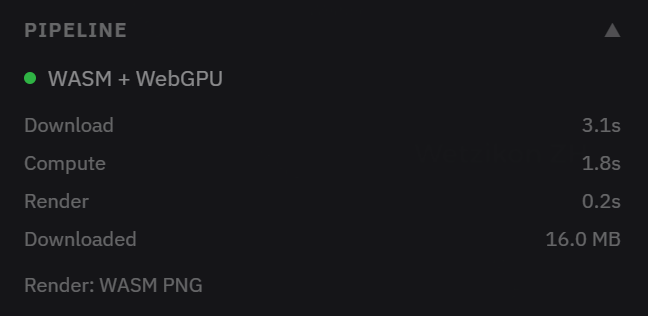
Everything computes in your browser. Waveshed prefers your GPU (via WebGPU) and falls back to parallel CPU workers when it has to. The Pipeline panel and the bottom status bar show which backend ran: WASM + WebGPU or WASM + CPU.
Force CPU
The Force CPU checkbox skips the GPU and runs on CPU workers. Reach for it if the GPU produces blank or wrong results, or stalls, which some mobile GPUs do on the heavier ITM workload. When it is on you will see “Force CPU enabled, using CPU engine.”
Speed vs. settings
Work grows fast with area: roughly with the square of the range and inversely with the square of the resolution, so doubling the range, or halving the resolution number, is about 4× the compute. ITM over a large area is slow on CPU, and the app will warn “Slow on CPU…” with a suggestion to reduce range or coarsen resolution. Start coarse and wide, then refine the area that matters.
Memory & limits
- The footer shows an estimate (“Est. ~N MB RAM”). Low-memory devices get a warning. If you hit it, reduce range or resolution.
- Runs currently go up to 30 km at 30 m resolution, free and without an account. Higher limits are coming soon.
- On mobile it works in modern browsers but usually on CPU, so keep runs modest. For large, high-resolution work, a desktop with a GPU is much faster.